
step challenge
STARTS 1ST APRIL 2026
4 WEEK CHALLENGE
TARGET: 5 MILLION STEPS
Want to get involved without using the App?
We have you covered! Simply add your steps manually
LET’S GET MOVING!
Our Step Challenge is designed to get you moving more, more often, in a way that feels achievable and fun. It provides a simple structure and shared goal that encourages daily movement, supports energy and mood, builds healthy habits, and creates connection through friendly team accountability.
OUR TARGET
25 MILLION collective steps across our business for the month of April.
IT’S EASY TO GET INVOLVED
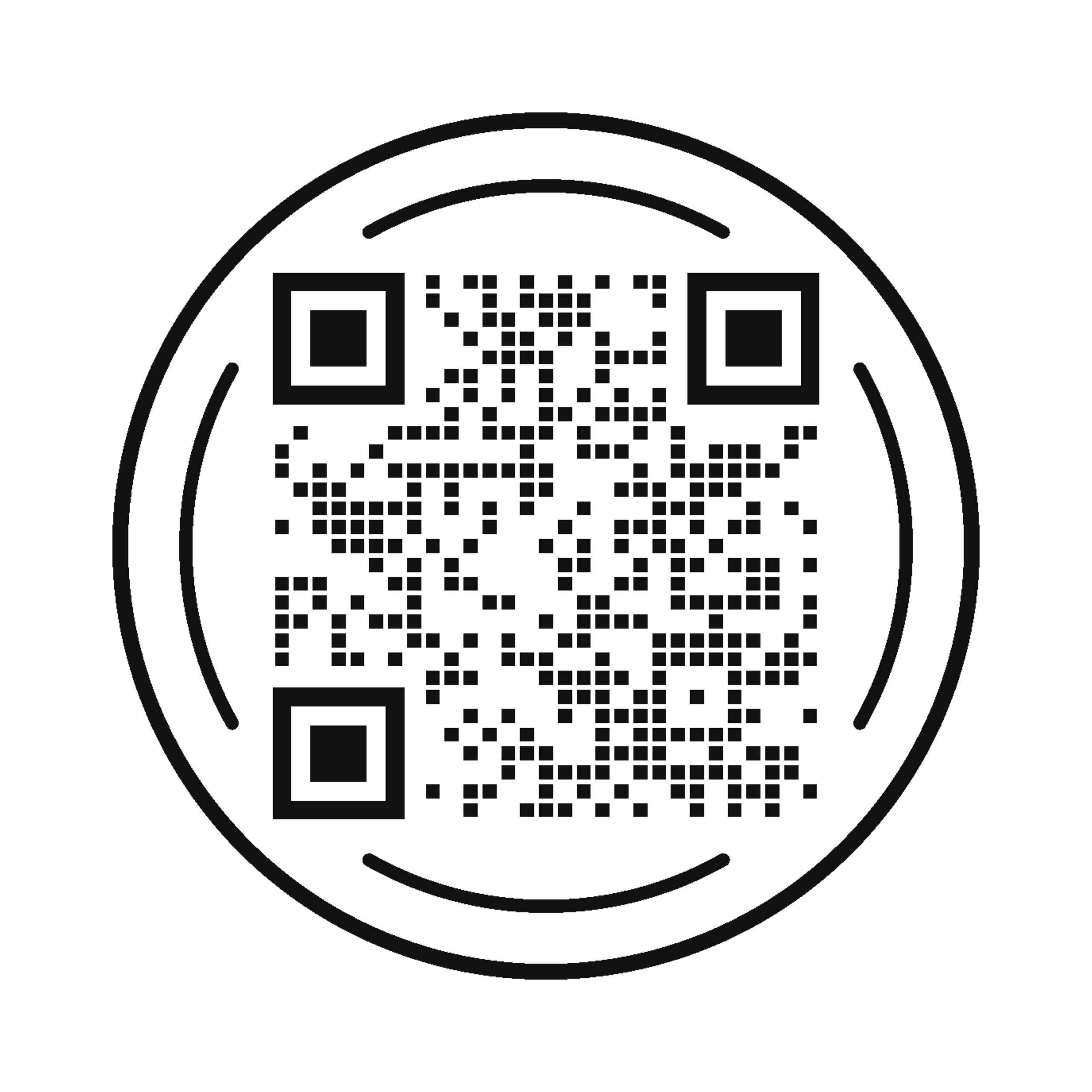
SCAN THE QR CODE TO DOWNLOAD THE APP
OR DOWNLOAD VIA THE APP STORE OR GOOGLE PLAY
USERNAME: BARRYNILSSON PASSWORD: STEPS123 (case sensitive)
***IMPORTANT: ALLOW THE APP TO CONNECT TO YOUR PHONE’S FITNESS/HEALTH APP
THE VIGOUR MEDIA APP

BUILT IN STEP TRACKER
The App has a built in step tracker. Our organisational step target will appear in the app for everyone to track & monitor by clicking the ‘WALKING ICON’ and then the ‘CHALLENGE’ tab.
DEVICE AGNOSTIC
The app is available on both Apple & Android devices.

WELLBEING CONTENT
Access a plethora of health, fitness & wellbeing content available via the app for the duration of the challenge.

SECURE
The single company login approach eliminates the need to collect personal data or create individual user accounts, safeguarding privacy.
FAQ’s
-
The most common reason is that the Vigour Media App has not yet been granted permission to access your health and fitness data. On iPhone, check that the app has permission inside Apple Health. On Android, check Health Connect > App permissions and confirm the required data types are enabled. Apple Health automatically tracks steps and walking or running distance from the iPhone, and on Android, Health Connect can automatically collect step data once an app has permission to read steps.
-
It is common for third party health and fitness apps to show a different step total to a phone’s native Health app. Native health platforms often combine and prioritise data from multiple sources, such as the phone itself, a smartwatch and other connected apps, while third party apps may read a different data source or refresh at a different time.
Is this common for third party apps?
Yes. Differences in step totals are common across third party apps. This is usually due to the way different platforms collect, combine, filter and sync step data, rather than a problem with the app itself.
Can my phone type or model affect step counts?
Yes. A phone’s make, model and operating system can all influence step tracking. Different devices use different sensors and software, which can affect how movement is measured and how step data is processed and shared with other apps.
Do software updates make a difference?
Yes. Phone software updates, health platform updates and app updates can all affect how health data is captured, synced and displayed. Keeping your phone and apps up to date can help improve consistency.
Does using a smartwatch or wearable affect my totals?
Yes. If you use a smartwatch or another connected device, your phone’s native Health app may combine data from both the phone and the wearable. Depending on permissions and source settings, the Vigour Media App may display a different total.
Can permissions affect step tracking?
Yes. The Vigour Media App can only access the health data permissions that have been enabled on the device. If permission to read step data has not been granted, or has been changed, the totals shown in the app may differ from the native Health app.
Does sync timing play a role?
Yes. Step data is not always updated instantly across all apps and devices. Sometimes the phone’s Health app refreshes before a third party app does, which can create temporary differences in totals.
Does how I carry my phone matter?
Yes. Step tracking can be affected by how consistently the phone is carried throughout the day. For example, a phone kept in a bag, left on a desk or not carried during a walk may record steps differently from a phone carried on the body.
Does a difference in step count mean there is an issue with the Vigour Media App?
Not. In most cases, differences in step totals are normal and reflect differences in data sources, permissions, syncing, connected devices and handset behaviour.
How can I reduce step count discrepancies?
To help improve consistency, make sure:
health data permissions are enabled
your phone software is up to date
the Vigour Media App is up to date
any connected wearables are syncing correctly
you compare the same date and time period across both apps
-
Yes. You can connect it at any time after installation by updating your app permissions in Apple Health on iPhone, or in Health Connect on Android. Apple lets users manage Health access later through the Health app or through Settings, and Android lets users grant or edit permissions later through Health Connect.
On iPhone
Open Health > Summary > Profile > Apps or Devices > Vigour Media App > turn on permissions.
On Android
Open Health Connect.
Android 14+: Settings > Security & privacy > Privacy controls > Health Connect
Android 13 and below: install Health Connect from the Play Store, then open it from Settings > Apps > All apps > Health Connect
Then go to App permissions > Vigour Media App > turn on permissions > Allow.
-
No. Apple uses the Health app and automatically counts steps and walking or running distance using the iPhone itself. Google Fit also supports activity tracking using the phone’s sensors. A smartwatch can add more data, but it is not essential for basic step tracking.
-
First, reopen the Vigour Media App and check whether it prompts you again to enable health access. On iPhone, Apple notes that if an app does not appear under your compatible Health apps, it may not be compatible. On Android, some apps may require you to begin the sync from inside the connected app itself.
Didnt find the answer you are looking for? Contact us at support@vigour.media and include your organisation’s name in the subject line.